Be yourself; Everyone else is already taken.
— Oscar Wilde.
This is the first post on my new blog. I’m just getting this new blog going, so stay tuned for more. Subscribe below to get notified when I post new updates.
Be yourself; Everyone else is already taken.
— Oscar Wilde.
This is the first post on my new blog. I’m just getting this new blog going, so stay tuned for more. Subscribe below to get notified when I post new updates.
Support for Windows 7 ends in January 2020
If you continue to use Windows 7 after support has ended on January 14, 2020, your PC will still work, but it may become more vulnerable to security risks.
After January 14, 2020, Microsoft will no longer provide security updates or support for PCs with Windows 7. Upgrade to Windows 10 now to keep your employees productive and secure.
What does end of support mean?
As of January 14, 2020, your computer running Windows 7 will still function but Microsoft will no longer provide the following:
While you could continue to use your PC running Windows 7, without continued software and security updates, it will be at greater risk for viruses and malware. Going forward, the best way for you to stay secure is on Windows 10.It’s important that you move to a modern operating system such as Windows 10, which can provide the latest security updates to help keep you and your data safer. In addition, Microsoft customer service will no longer be available to provide Windows 7 technical support.
,
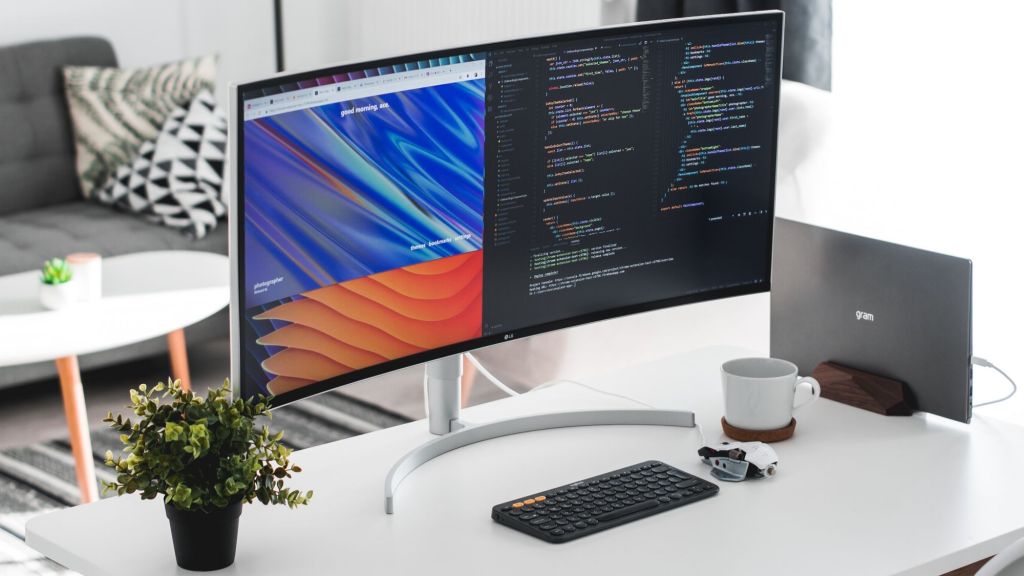
Not a new trend that is not losing popularity yet. Typically, this technology is used to create websites that interact with the user by dynamically rewriting the entire page, instead of fully loading new pages from the server.
Somehow this principle can be compared with the development of computer games. The computer has at once all the information about the gaming environment. However, only the part in which the camera is turned is displayed on the screen. All that “outside the lens” has no appearance. But when transferring the camera, some textures are loaded, while others are cleared from memory.
In the case of sites, the common code will be permanently extracted, displaying key elements of the service (navigation bar, background, registration window, etc.), and the rest will be loaded and added to the page as necessary (in response to user actions).
To understand the technology, I propose to read the Hacker Rank report on the development of developer skills and upcoming programming trends.
This approach will avoid interrupting user interaction between consecutive pages. SPA spared from difficult navigation and swirling menus. They perfectly adapt to any device.
That’s why they will be relevant in 2020.
This is an example post, originally published as part of Blogging University. Enroll in one of our ten programs, and start your blog right.
You’re going to publish a post today. Don’t worry about how your blog looks. Don’t worry if you haven’t given it a name yet, or you’re feeling overwhelmed. Just click the “New Post” button, and tell us why you’re here.
Why do this?
The post can be short or long, a personal intro to your life or a bloggy mission statement, a manifesto for the future or a simple outline of your the types of things you hope to publish.
To help you get started, here are a few questions:
You’re not locked into any of this; one of the wonderful things about blogs is how they constantly evolve as we learn, grow, and interact with one another — but it’s good to know where and why you started, and articulating your goals may just give you a few other post ideas.
Can’t think how to get started? Just write the first thing that pops into your head. Anne Lamott, author of a book on writing we love, says that you need to give yourself permission to write a “crappy first draft”. Anne makes a great point — just start writing, and worry about editing it later.
When you’re ready to publish, give your post three to five tags that describe your blog’s focus — writing, photography, fiction, parenting, food, cars, movies, sports, whatever. These tags will help others who care about your topics find you in the Reader. Make sure one of the tags is “zerotohero,” so other new bloggers can find you, too.

 AHRK's BLOG